

TradingView
Chart with TradingView, trade with Eightcap.
Your ultimate charting toolkit
TradingView offers professional-grade charting, global market data and a large community, all designed to help you trade smarter with Eightcap.
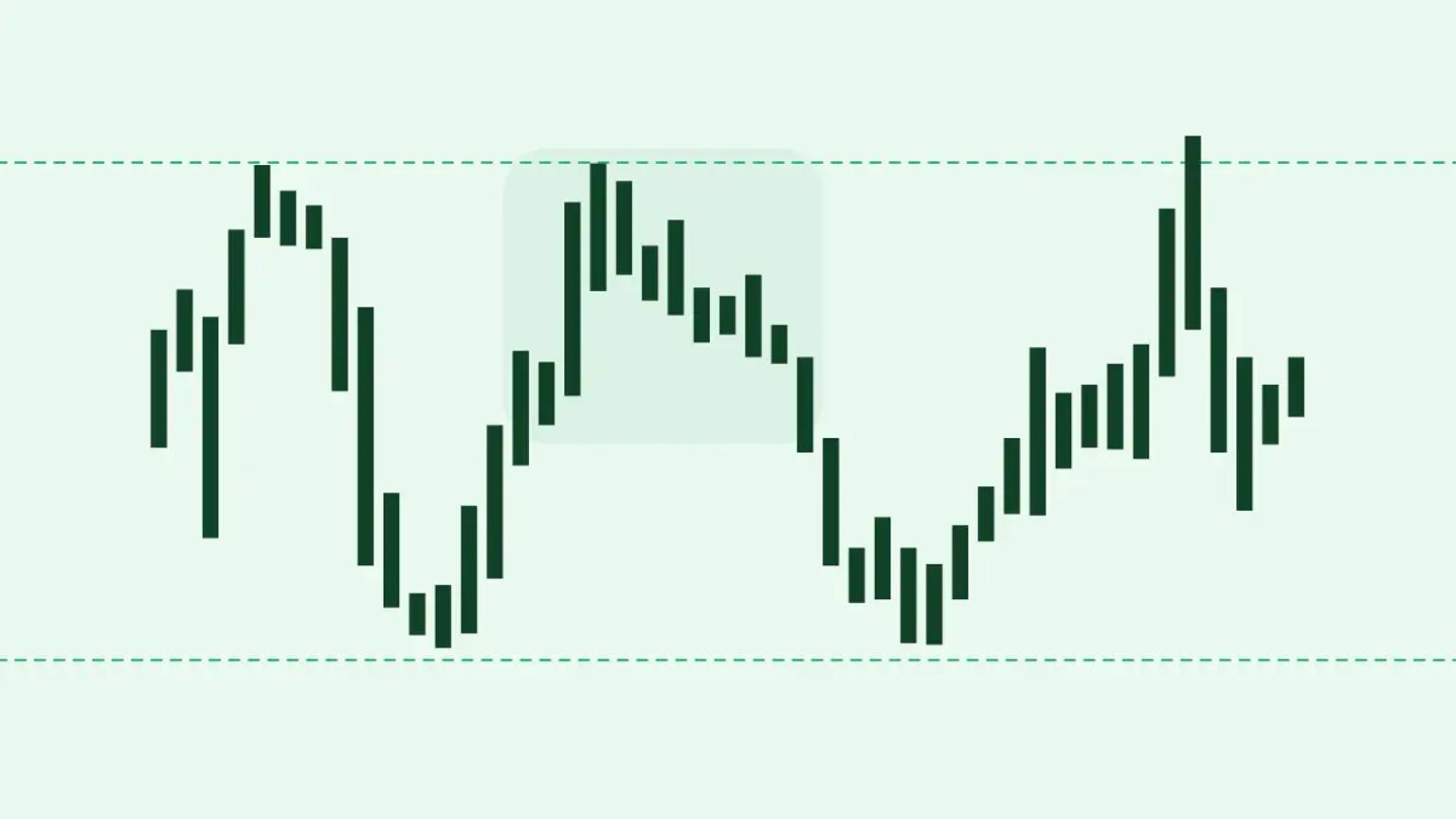
Next-level charting
Access 15+ chart types, dozens of drawing tools and seamless customisation to analyse markets your way.

Create your own tools
Tap into 100,000+ community-built indicators or create your own using Pine Script™.

Join the conversation
Discover shared trade resources, strategies and analysis from millions of traders worldwide.
Never miss a move
Set up alerts for any market event wherever you are by connecting your Eightcap account to the TradingView mobile app.
Convenient one-chart trading
Draw trendlines, test strategies and place trades – all in one place.
Start trading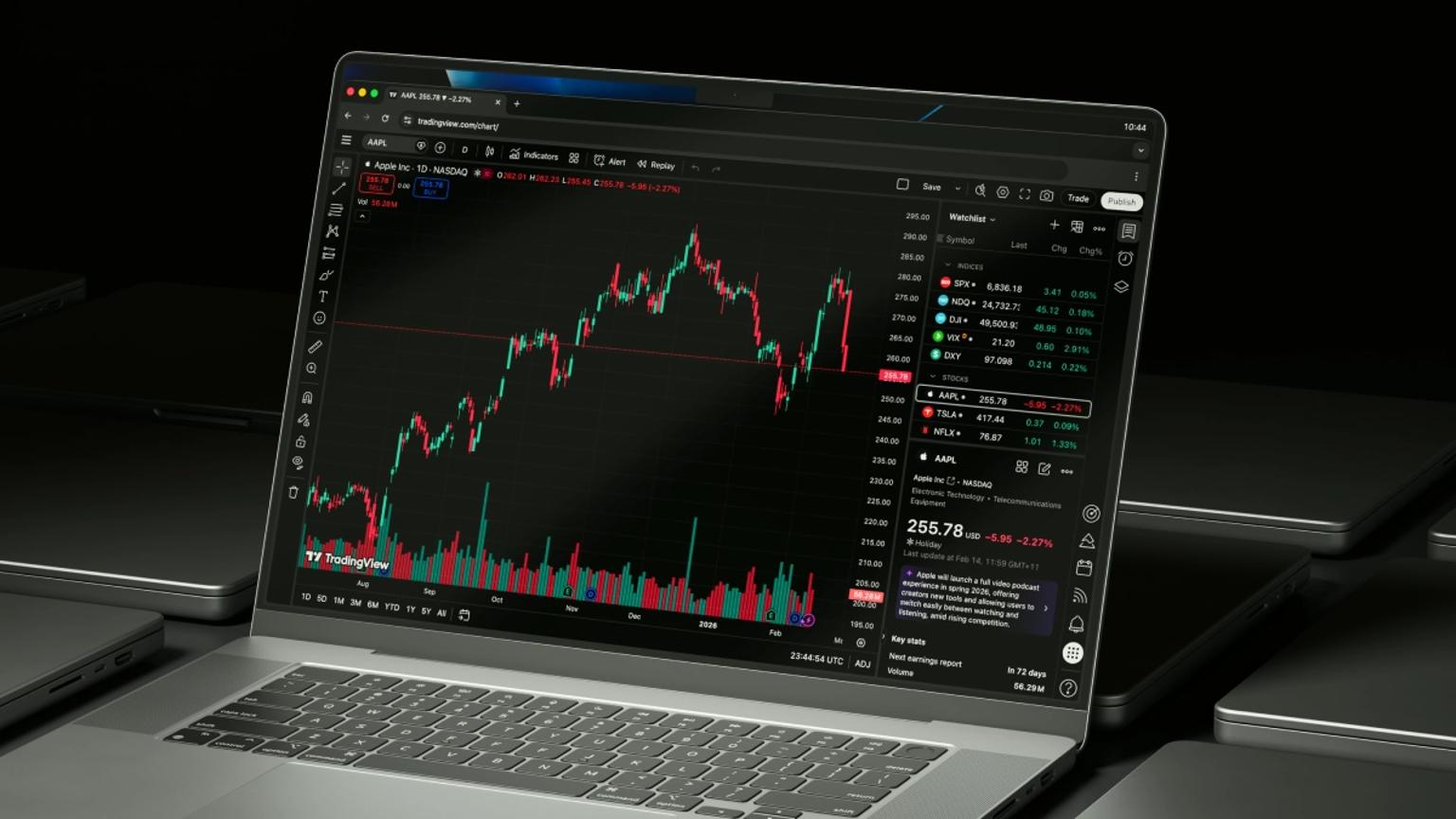

Standard
The Standard account offers a commission-free trading experience, with spreads as low as 1.0 pips, access to 850+ CFD markets and a suite of advanced platforms and tools.

Raw
The Raw account offers traders access to the same markets and tools as the Standard account, with spreads starting at 0.0 pips and $3.50 commission per lot, per side.
Get started in three steps

Step 1: Sign up to Eightcap
Create an account with Eightcap and select TradingView as your preferred platform.
Create account
Step 2: Sign up to TradingView
Set up a TradingView account to access charting tools and community features.
Sign up at TradingView
Step 3: Connect and trade
Link your trading account through TradingView’s Trading Panel to start trading.
Start tradingHow to link your accounts
Watch how to create your Eightcap account, set up TradingView and connect the two.
Serious tools for serious traders

Understand the markets
Stay informed with market updates, trend analysis and expert commentary that helps you understand what’s moving the markets.
Market Insights
Learn the tools of the trade
Build a solid foundation with step-by-step guides that break down trading concepts, strategies and fundamental analysis.
Trader ToolkitYour questions, answered
TradingView RAW account availability has changed. Choose Standard or RAW when opening a new Eightcap TradingView trading account, subject to your entity and the options shown during registration. RAW pricing and commission apply to eligible FX trades; check the account terms before opening.
Create an Eightcap TradingView trading account and sign in to TradingView. Open the Trading Panel, choose Eightcap from the broker list and enter your Eightcap trading account credentials. Once connected, check that you have selected the correct account before placing an order.
Yes – once connected, you can place trades, manage orders and monitor positions without leaving the TradingView interface.
No. You can trade using a free account, but paid plans unlock additional chart types, indicators and layouts to enhance your experience.
Yes. Our integration supports both live and demo accounts, allowing you to test strategies in a simulated environment.
All account transactions, including deposits and withdrawals, are managed through your Eightcap account.
TradingView is compatible with all modern browsers and also offers desktop and mobile apps.
You can access CFDs on forex, indices, commodities, shares and crypto – depending on your account type and region.
You can find your complete trading history in the ‘Reports’ tab when you log in to your Eightcap account.
Eightcap offers helpful tutorials in our Knowledge Hub. TradingView’s Help Center also features extensive resources to help you navigate the platform.


